
Instagram and Facebook Stories are powerful tools for event marketing, allowing you to post ad hoc information about what’s going on at your event.
They last for 24 hours, unless you save them to your highlights folder, in which case they last…forever.
Why use Instagram & Facebook Stories for your event?
I think Stories are a fantastic way to give your event a boost and get people excited!
The main reason is that you can post a lot more frequently than is acceptable on your grid.
You can also be more rough and ready with your content in this space.
Stories is where you can also keep your audience in the loop with behind-the-scenes content then real-time updates of the event, and share photo and video highlights of the event.
You can also use interactive features like polls, questions and quizzes to build more interactivity with followers and boost engagement and buy-in.
By using Stories you also get the main benefit, which is to save them to a Highlights folder on Instagram (or Facebook’s new featured story section – more on that below) that will last indefinitely.
This creates a free “brochure” on your profile for people to dip in and out of when and to quickly access the information they are looking for about your event.
Key folders for your event could be things like Tickets, Logistics, Schedule, Key Activities etc.
The icing on the cake, however, is that Stories appear at the top of your followers’ feeds, which are more visible!
It’s a content space you don’t want to ignore for your event.
Facebook’s featured story section
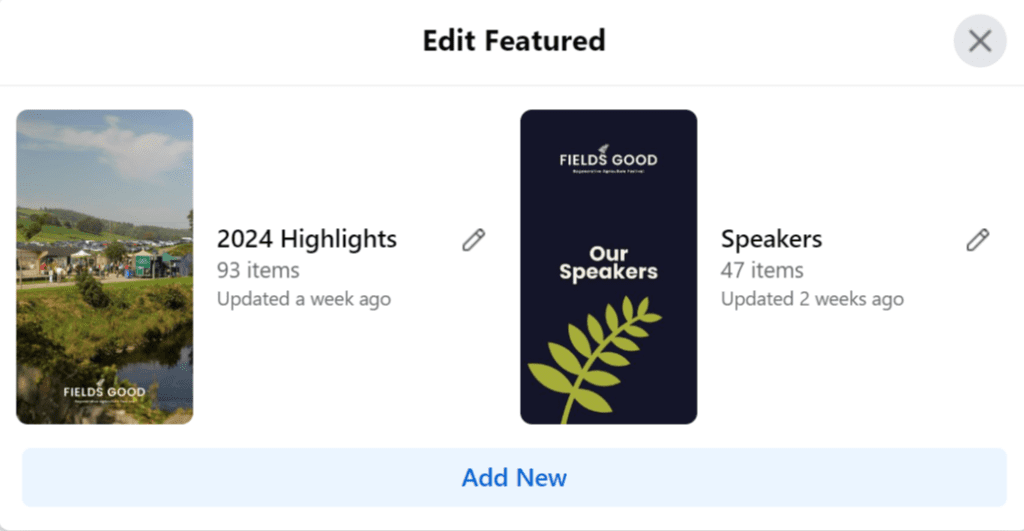
Highlights folders on Instagram are fantastic for curating your Stories into an online event brochure, but that feature has not been available on Facebook…until now!
You can now save to Facebook’s Featured Story section on pages. This is a brand-new feature that allows businesses and organisations to prominently display their most important or relevant Stories at the top of their page.
You can have multiple photos in a single collection that your audience can tap through.
You can even curate the cover image for your featured story.
20 Instagram & Facebook Story ideas for your event marketing strategy
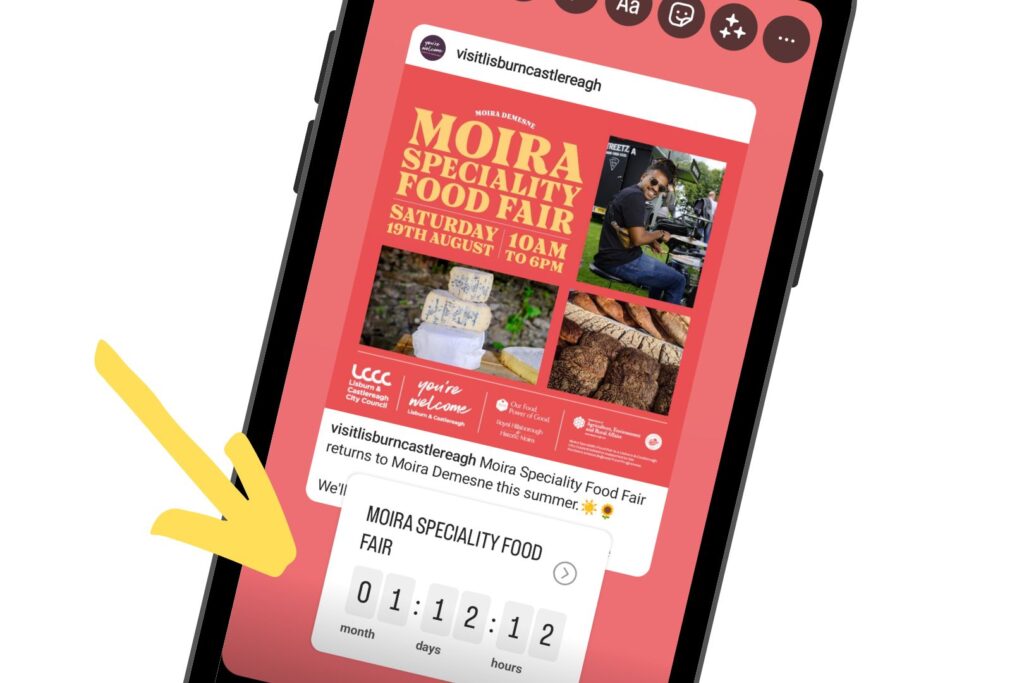
1. Countdown timer
Start building anticipation by creating a countdown timer using the “Countdown” sticker. Share daily updates to keep your audience excited as the event date approaches.
This is a great event marketing tactic.
Followers who tap the sticker can get reminders of the event in their feed 24 hours before, a push notification 15 minutes before and an activity feed and push notification at the time of the event.
2. Ticket links
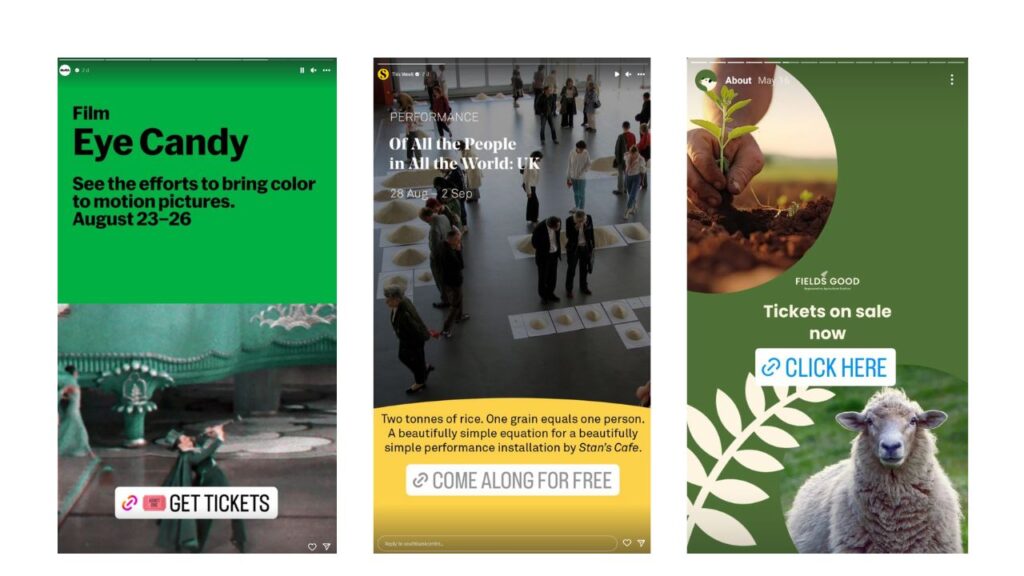
If you’re selling tickets, then this is an important Story to post and save in Featured / Highlights.
Top tip: Try using arrow stickers or emojis in the link text to draw attention to the link for people.
3. Speaker/Performer Spotlights
Highlight your event’s key speakers, performers, or special guests. Share their bios, achievements, and what attendees can expect from their presentations or performances.
4. Explain the benefits and takeaways
An overlooked part of event marketing is often the why! Why should people come to your event? It may be obvious, but you may also need to explain it more to help boost participation and attendance.
To convince people about why they need to attend, try sharing some of the benefits.
Are they going to get exclusive information? Will they get knowledge that will give them the edge? Will the event give them a unique experience? Perhaps you’re offering memory-making activities for the family?
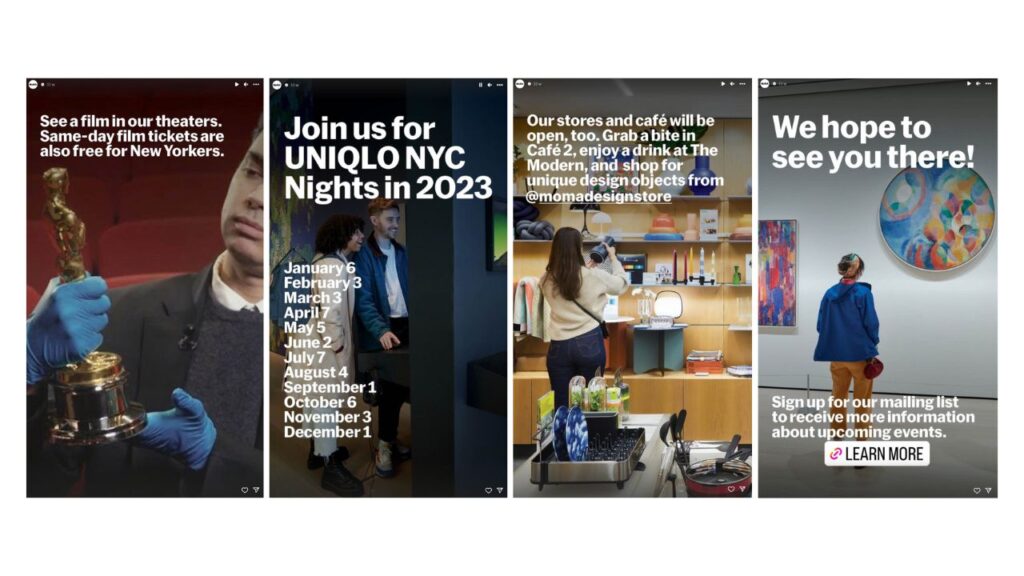
Create a story sequence that leads people to clicking “Learn more” or “Buy a Ticket.”
5. Polls and Questions
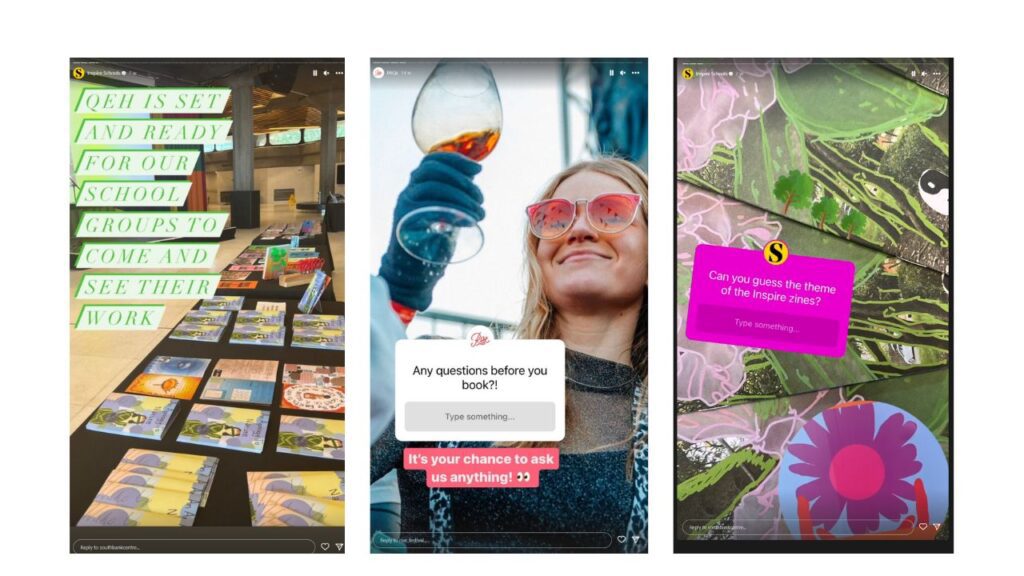
Engage your audience by using polls and question stickers. Bring people in to your event marketing process.
Ask for input on event details, such as session topics or what they’d like to eat or do during the breakouts. Get them involved in the process or on the day itself. .
6. User-Generated Content:
Encourage attendees to share their excitement by using a specific event hashtag. Feature their posts in your Stories to create a sense of community. If you have paper tickets or are issuing lanyards, get people to share those on their Stories.
Do you have attendees travelling long distances? Ask them to share snaps on their journey. Have they spotted your signs?
7. Event teasers or exclusive content
Create short teasers or trailers for different aspects of your event, whether it’s a product launch, a panel discussion, or a performance. You could even think about offering exclusive content or behind-the-scenes access to “Close Friends,” on Instagram. This could include exclusive interviews, content previews, or special discounts.
8. Behind-the-Scenes
This is one that’s often overlooked as the event organisers are just so busy doing the organising. But everything is content!
Why not take a minute to give your followers a sneak peek into the event preparation process.
Show them the venue setup, introduce your team, and share the excitement of getting everything ready.
9. Partner Shoutouts
Give a shoutout to your event partners, sponsors, or collaborators. This not only shows appreciation but also extends your reach to their audiences too.
10. Schedule of activities
This is a good one to share to Stories, especially if you want to save on printing schedules. Save it to Highlights for people to access easily.
11. Event details and logistics
You’re going to want to create Stories that are primarily for your Highlights folder on your Instagram profile and Facebook page Featured section that have the important details about your event.
Think about creating graphics that detail important aspects like:
- Agenda
- Speakers / Performers
- Activities
- Venue details
- Parking
12. Live updates
During the event, go live on Instagram to share real-time updates, interviews with attendees, and footage of exciting moments.
Show the doors opening or a keynote speaker taking the stage. Why not capture attendees’ experiences after a key moment. What did they think? Create a quick video montage to share to your followers.
Top tip: Schedule Stories to go out automatically that announce speakers, entertainment, or activities happening.
13. Stories takeovers
I love a Stories takeover. It gives you as an event planner a bit of a break.
Why not try letting influencers or industry experts take over your Stories for a day. It could be before, during or after the event. Let them share their perspective on the event, what they are hoping to get out of it / did get out of it and their unique images/videos.
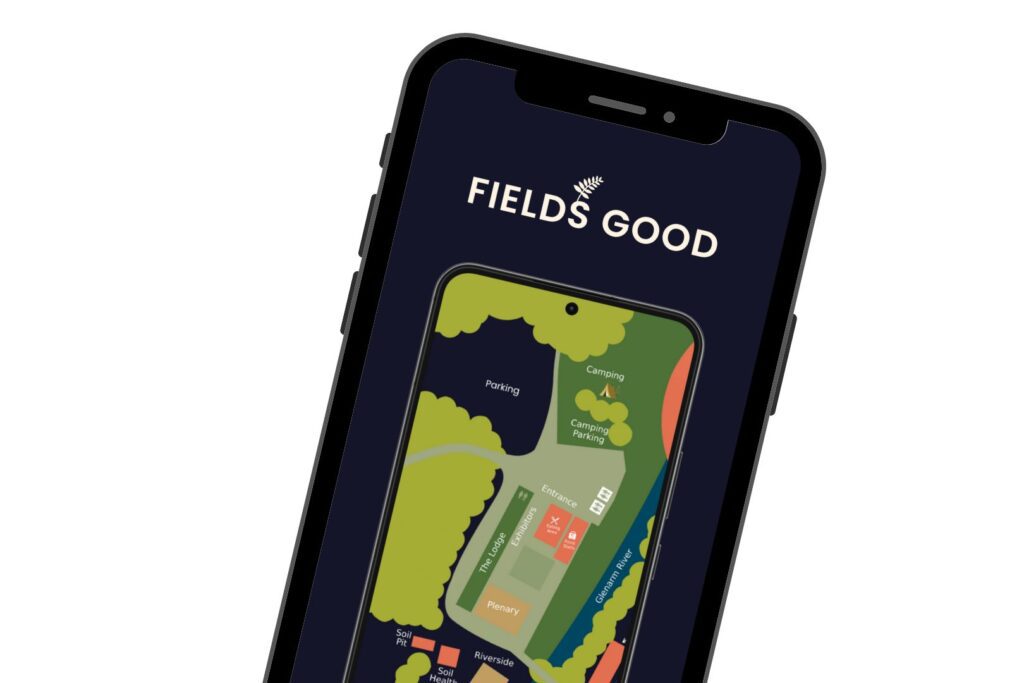
14. Maps
Why not use Stories to share maps into your highlight folders. Show the event location, parking, key areas or even highlight nearby attractions.
15. Merchandise
If your event has merchandise or swag, showcase some items in Stories. Include a reason to purchase or the benefits. Encourage people to get a keepsake or a badge of pride for their attendance. Even better, show attendees or stakeholders with your merchandise. Remember to include how to purchase or any links.
16. Post-event highlights
After the event, compile the best moments, presentations, and attendee testimonials into a Story series, allowing those who missed it to catch up.
If you got any video, use snippets that create intrigue or curiosity and a links to where people can get more if they missed out.
17. Professional event photography
What are you going to do with your event photography?
You could share some of the professional event photography to Stories and save the best into a highlights folder.
Or perhaps you are sharing them to an online gallery, where they need to give you an email to access the photos.
Or you could just give them away for free, with a reminder to tag you when they do!
Use Stories as part of your event management strategy for circulating, repurposing and utilising those professional photos.
18. Thank you
If you have had sponsors or supporters of your event, why not share a photo with them, or a video thanking them in your stories?
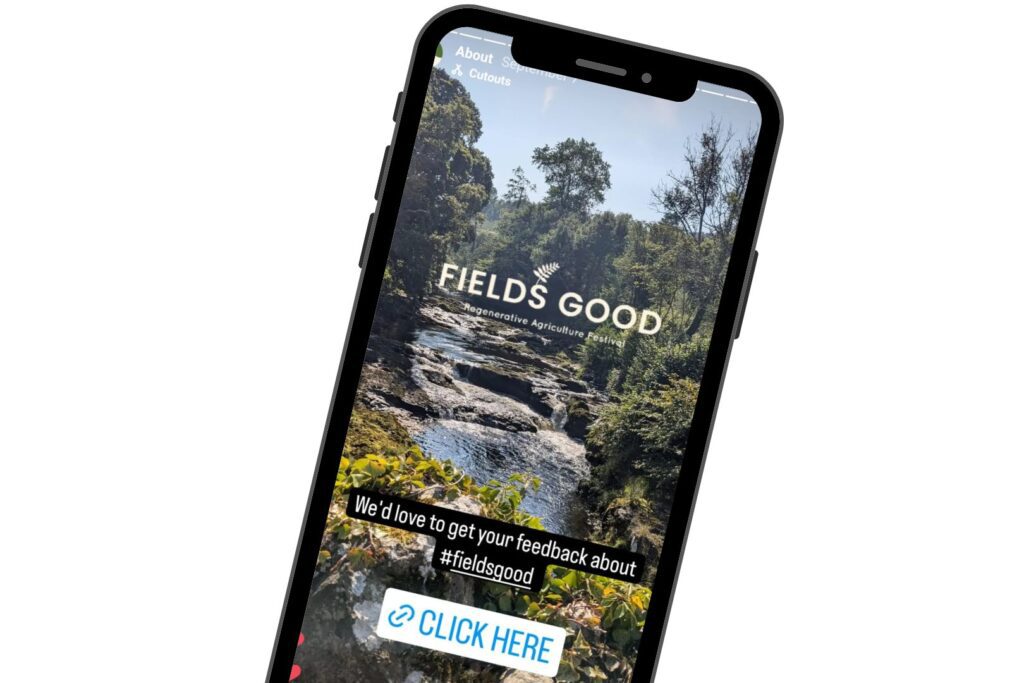
19. Feedback and surveys
After the event, use Stories for event marketing to gather feedback from attendees. Ask them what they enjoyed, what could be improved, and what they’d like to see in future events. With Stories you can add a link directly to your survey (e.g. Google Forms or Survey Monkey) to gather information about how people think it went, and capture those all-important reviews!)
20. Throwback Stories
After the event, keep front on mind by reposting special moments of the event to Stories – and remind people to sign up to your mailing list to be notified about future events.
Instagram and Facebook Stories offer a powerful platform for event marketing.
By leveraging these features effectively, you can create anticipation, engage your audience, and ultimately drive attendance and success for your event. From countdown timers and behind-the-scenes content to live updates and interactive elements, there are countless ways to utilize Stories to showcase your event and make it memorable.
Need more help? Why not take my course, “How to Promote Your Event on Social Media“
WHAT WILL YOU LEARN?
How to plan your event campaign on social media. You’ll learn how to strategically plan your content before, during and after the event, At the end of this course, I want you to feel confident that you’ve given your event the best possible exposure on social media and BURSTING with ideas on what to post, how to engage your stakeholders and contributors and how to tease your next event.
WHO IS THIS COURSE FOR?
Event planners, community managers, market organisers, virtual admin assistants, and anyone who is running an event and wants help with planning, and is looking for inspiration and ideas for maximising your reach and visibility.
WHAT WILL YOU GET?
- Module on how to announce your event on social media channels.
- Module on planning your content and content ideas.
- Module on how to boost your discoverability – including Facebook Event Ads.
- Module on using scheduling tools to save you time and effort.
- Module on LIVE coverage. How to prep, what to tell your photographer, how to write social media briefings, what to live post and LOTS of inspiration and examples.
- Module on post-event coverage. What to post after the event to keep interest going and capitalise on that engagement.
- Module on analytics – how to measure your success and present your findings!
PLUS
- Step by step guides on how to create highlight videos with CanvaChecklists & templates
Recent Comments